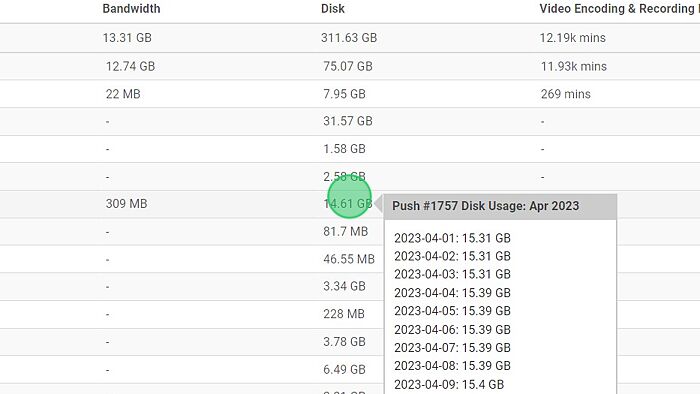
You can now view daily Disk Usage through our Usage History by following these steps.
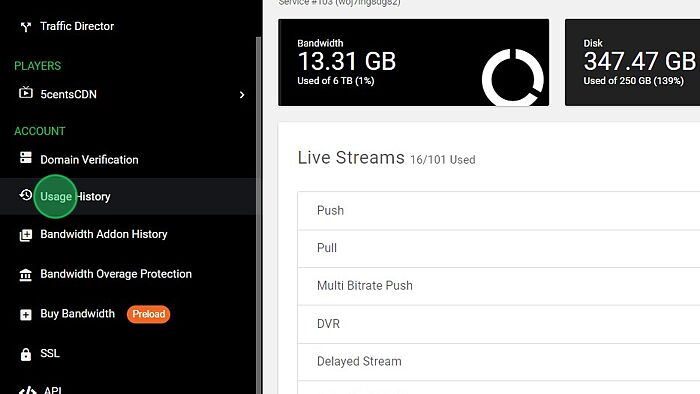
1. Navigate to 5centsCDN Dashboard
2. Click “Usage History“
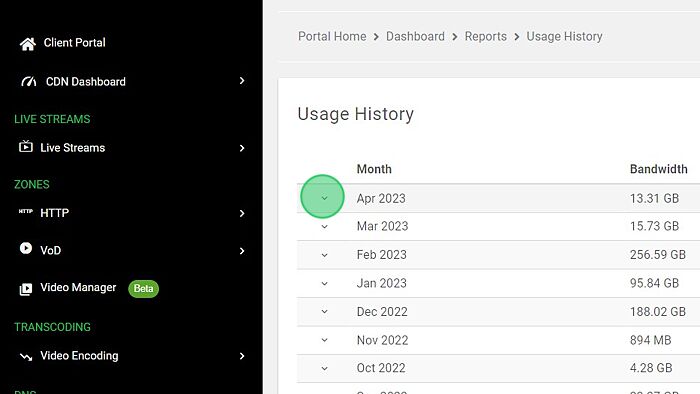
3. Choose the month for which you wish to know the usage.
4. Navigate the cursor to the Disk field of your Live Stream or Push Zone.
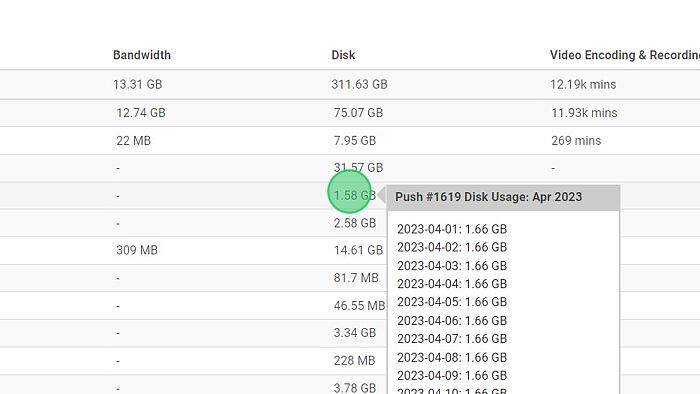
5. Here, you can locate and examine the daily usage.