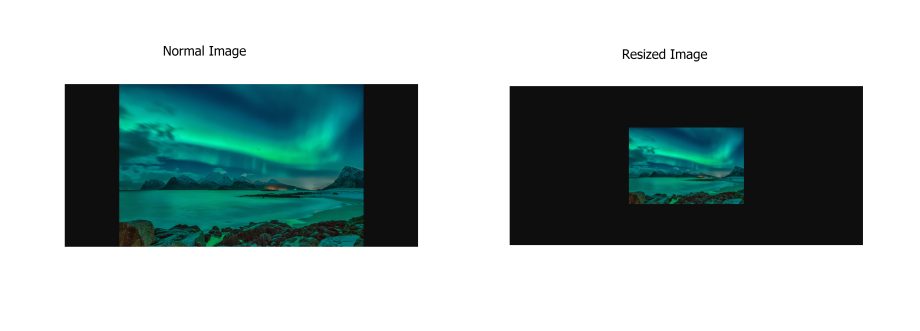
This parameter allows you to dynamically alter the image size. You can append parameters to the image file to apply transformations. For instance, here is the original image:
https://push-3272.5centscdn.com/KB_IMG/Lights_5centsCDN.jpg
Next, I will resize it to 300×200 dimensions. To do this, I can include the parameter ‘?im=300×200’. The updated URL will be
https://push-3272.5centscdn.com/KB_IMG/Lights_5centsCDN.jpg?im=300×200
If you just want it to be proportional to the width, enter a height of 0, like:
https://push-3272.5centscdn.com/KB_IMG/Lights_5centsCDN.jpg?im=500×0